Three styles. One island.
Dot draws everything in dot-matrix. Material follows your phone's colours. Classic stays clean.
Your camera. Now an island.
Music, calls and messages open right around the lens, then slip back in when you're done.
14 days free · then one payment · no subscription

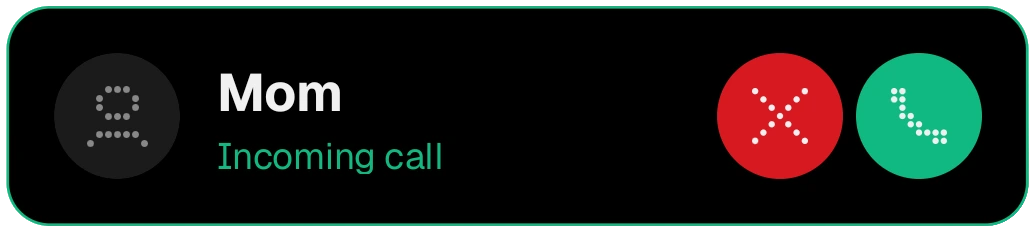
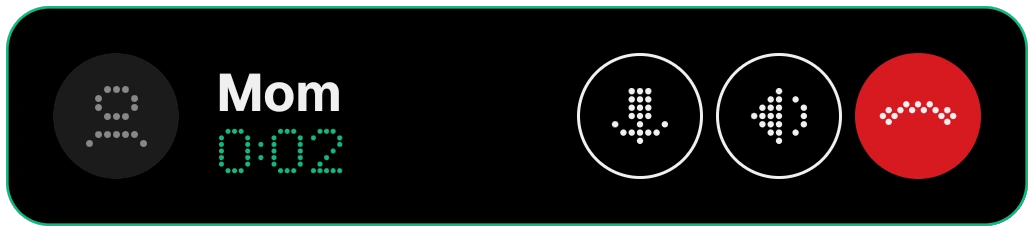
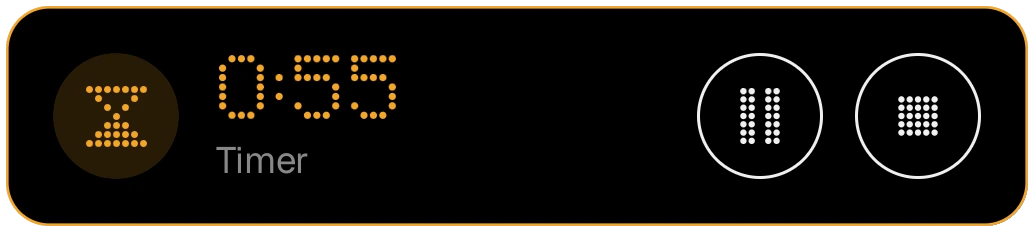

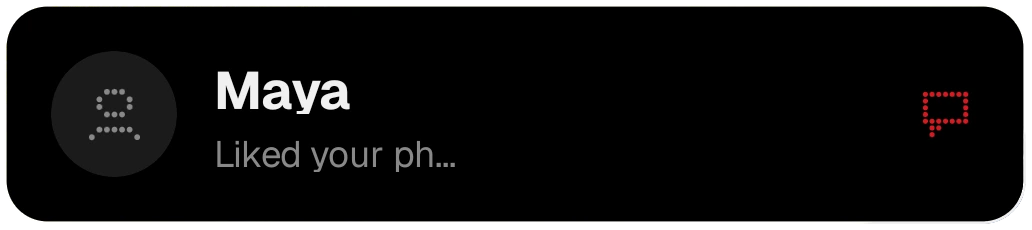
Dot draws everything in dot-matrix. Material follows your phone's colours. Classic stays clean.
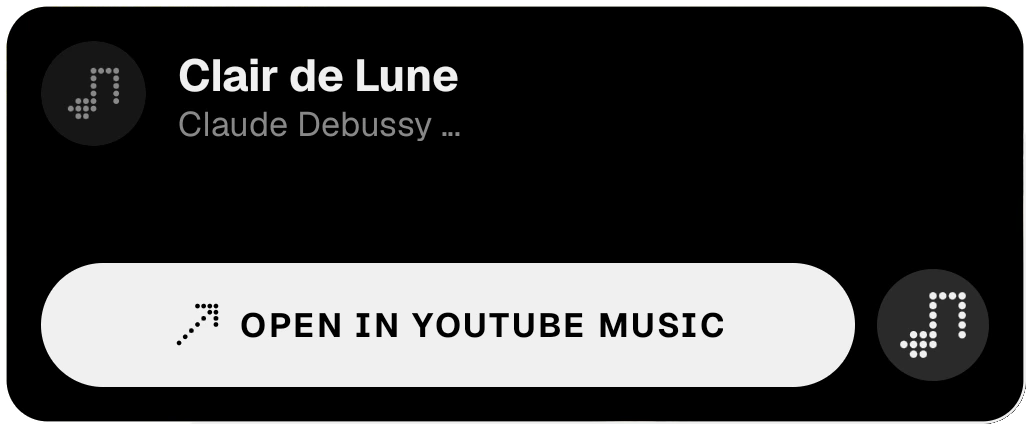
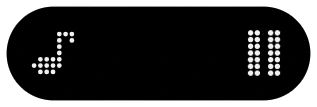
Cover, live spectrum and controls on the island. Swipe the card to change the song.
Hold the empty island, or ask from the edge panel. Dotch listens for up to 12 seconds and opens the song in your music app.
Answer or decline from the island. Reply where the app allows, and copy one-time codes in one tap.
Timers, downloads, charging and headphones each get their own live island. Two or three at once line up as bubbles or stacked cards.
Clock, calendar, weather or music while it charges on its side. Apps, tools, people and your clipboard from the edge. Ring or vibrate with two keys. AirPods connect when you open the case.
Dot draws every icon and word in dot-matrix, Material follows Android's own look and your phone's colours, Classic stays clean and familiar. Pick the one that feels like your phone.
Medium and large cards come on Black, Glass or Surface. Surface takes its colour from the album cover, so the card matches what you're playing.
When two or three things run together, they line up as bubbles or as stacked cards, so nothing pushes anything else away.
Choose the island's size, height and alignment, and how cards open. Hide it in the apps you pick; in full-screen video and games it steps aside.
The song, its cover, a live spectrum and the controls sit right on the island. Swipe the card sideways to change the song.
Hold the empty island, or tap “What's this song?” in the edge panel. Dotch listens for up to 12 seconds, shows the song on the island and opens it in your music app.
While the phone is locked, the lock-screen player shows your music, so you don't need to unlock to skip a song.
Answer or decline from the island. A running call shows its time, so you always know how long you've talked.
Messages open on the island and you can reply right there when the app allows it.
One-time codes in a message copy with a single tap, ready to paste.
Timers and the stopwatch, volume, charging, headphones, sound mode, downloads and unlocking each get their own island while they matter.
Flip between ring and vibrate with two keys, without looking at the screen.
Open the AirPods case and Dotch connects your paired AirPods and shows their battery.
Lay the locked phone on its side while it charges: a clock, your calendar, the weather or music fill the screen.
If you want it, a handle at the screen edge opens apps, tools, people and your clipboard.
Reduce motion, colour-blind-safe colours, large text and TalkBack. 37 languages, right-to-left included.
Notification text, caller names and pictures are handled on your phone. For a song, only a fingerprint of the sound goes to Apple's ShazamKit; nothing is recorded.


